

Keep everyone following your tournament bracket live
You're running the event, and you spend the whole day answering the same questions over and over. Are we done with round 1 yet? What are the scores on the other courts? Who do I play next? Every time you sit down to take a break, someone walks up with one of the questions. It turns out that you're the human scoreboard for the event.
The answer to every question they bring is already sitting in the bracket. Share it with the players and you get to go back to watching tennis instead. Here's how.
Step 1: share the bracket link
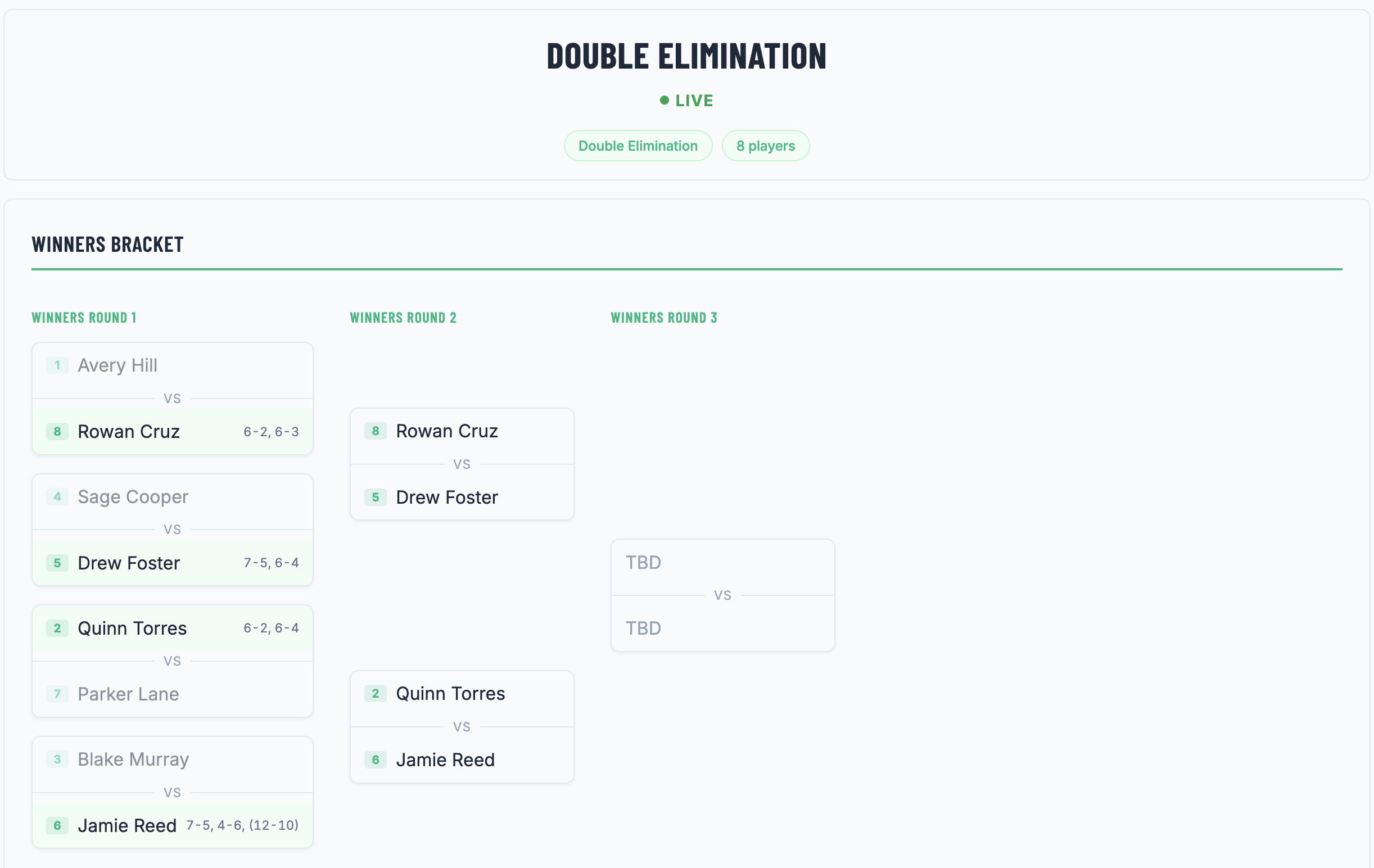
Every bracket you built in Brackets and saved has a share link. Log in, go to "My Brackets" from the dropdown menu on the top right, click on the bracket you plan to share, scroll down to the very bottom of the page, and you'll see the "Share" button. Clicking the button copies the link. Send it out via email or text. Anyone who opens it sees the full draw and every score you've recorded. No account needed to view the bracket.
On the day, get the bracket up where players can see it, in a couple of spots so you're not fielding the same question all afternoon. Easiest is to drop the link in the group chat before people arrive, pinned to the top, and leave it up on a screen at the desk, whether that's a spare laptop, a tablet, or a TV if the venue has one. If you want something on the wall too, hit "Download PDF" and print it for the community board, though you'll have to reprint it now and then since paper won't keep up with the scores.
Step 2: use live updates with Brackets Pro
The bracket page goes stale if viewers don't refresh it. A shared bracket shows a small "Scores update when you refresh" note with a refresh button.
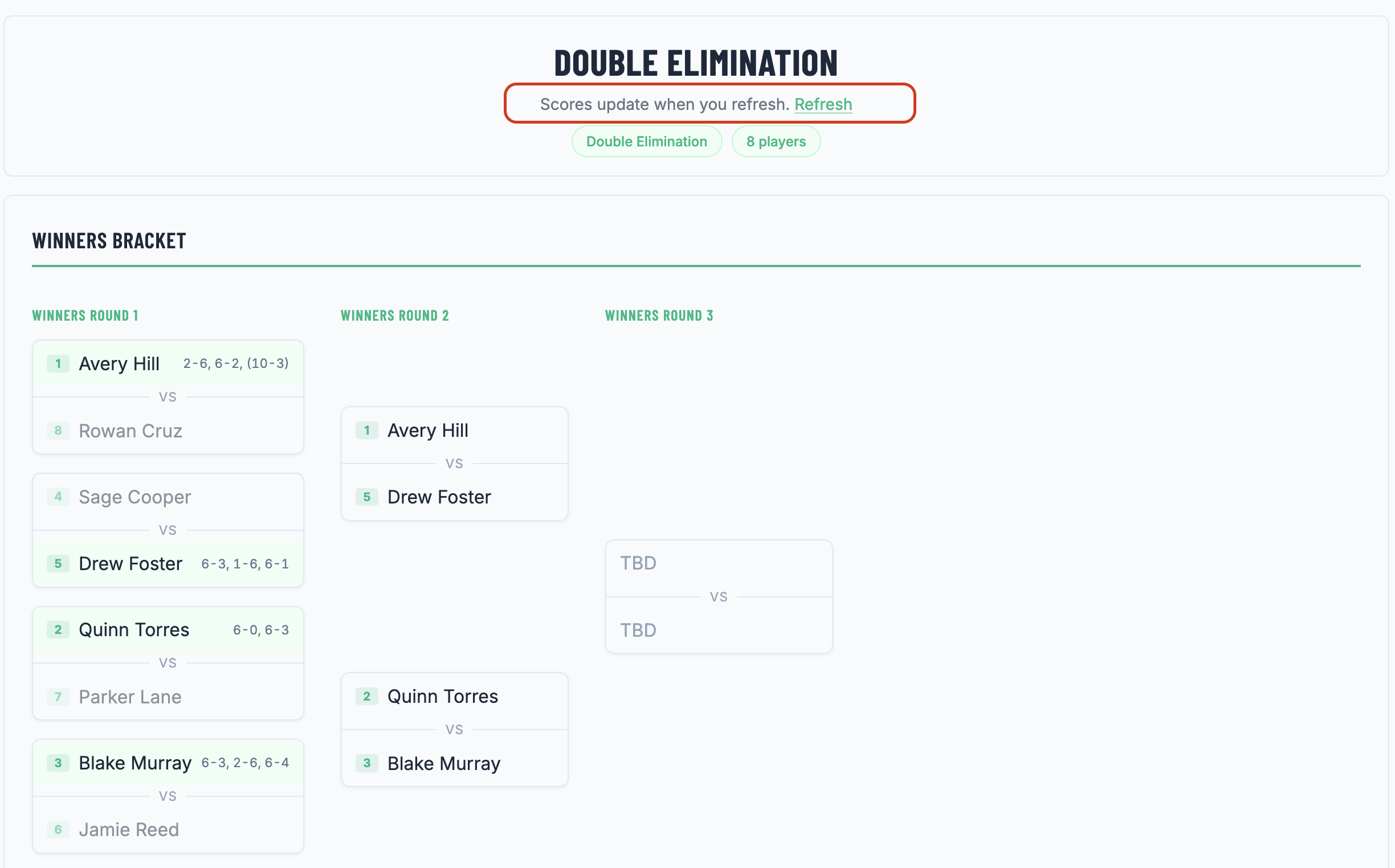
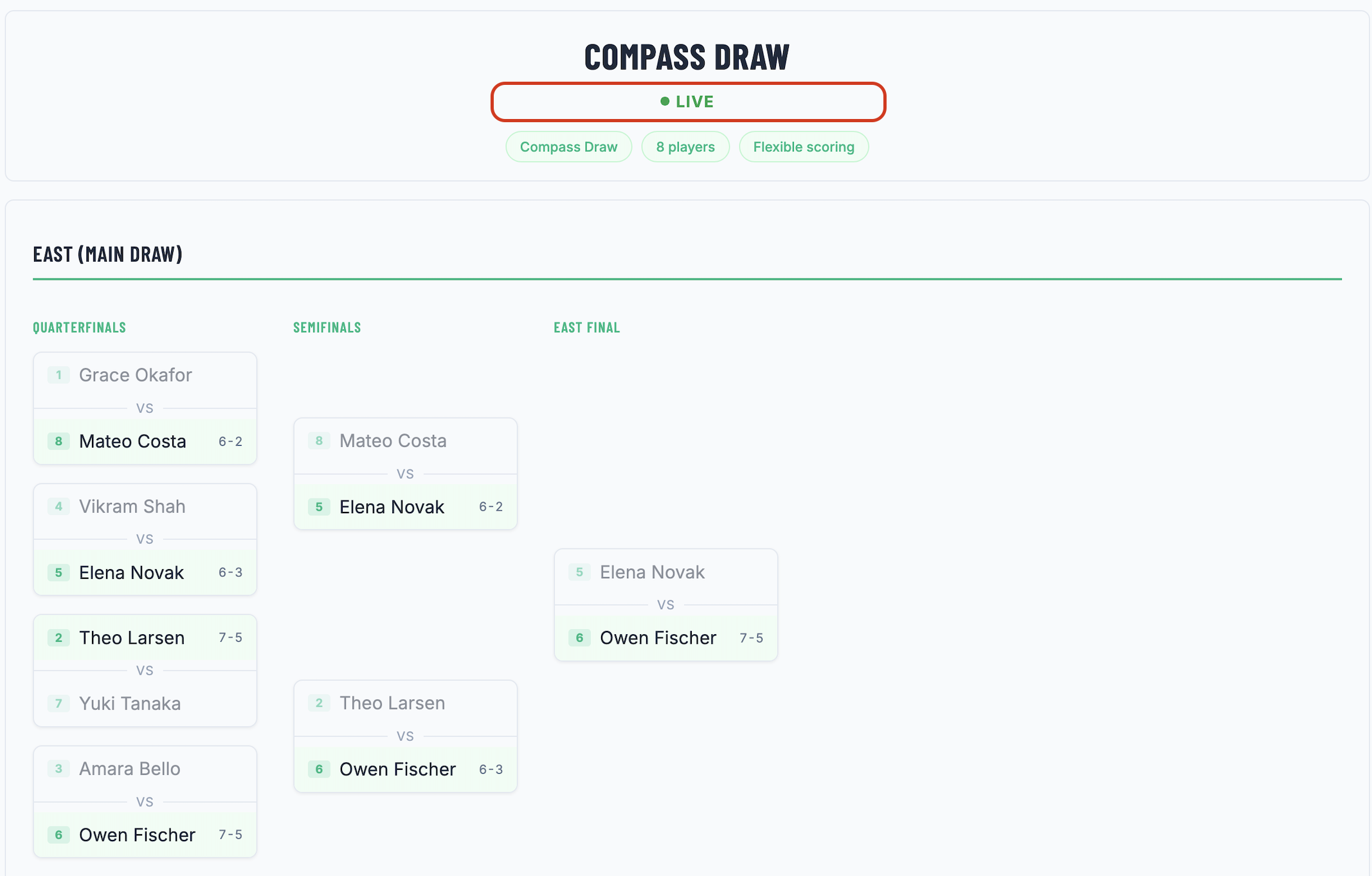
After you record a new score, you want everyone to see it right away, without asking people to manually refresh the page. Upgrade to Brackets Pro to keep viewers in sync with the ongoing event. Everyone watching sees your scores the moment you record them. No refresh action needed. The bracket displays a small "LIVE" badge so viewers know the page is keeping itself current.
Running a bigger event: more than one person scoring
The bigger the draw, the more a single scorekeeper becomes the bottleneck. You can't be at every court or stay on-site all day, and matches keep finishing while you're stuck at another one. This is where co-hosting matters: with Brackets Pro, you add other organizers to the bracket and they can edit the bracket and record scores live.
The bracket stays current without anyone running results back to a front desk. A multi-court event that used to need a clipboard and a runner now keeps itself up to date, and you're free to actually run the day.
What you get back
Set this up and free yourself from being tied to the event on-site. Players can check who they play next and where, without finding you first. Spectators follow the draw toward the final on their phones. The people scoring don't have to relay anything; they enter the result and the whole event sees it.
It's a small change to how you run things, and it gives you back the part of the day you organized the event for in the first place: getting to watch people playing tennis. Build your draw with the bracket generator in a couple of minutes, share the link, and let the event keep everyone in the loop.
If you haven't settled the format yet, the companion guides cover that end: how to run a round robin and how to run a doubles mixer. This is how you keep everyone following along once it's underway.